Does it replace Perfex's own task timer?
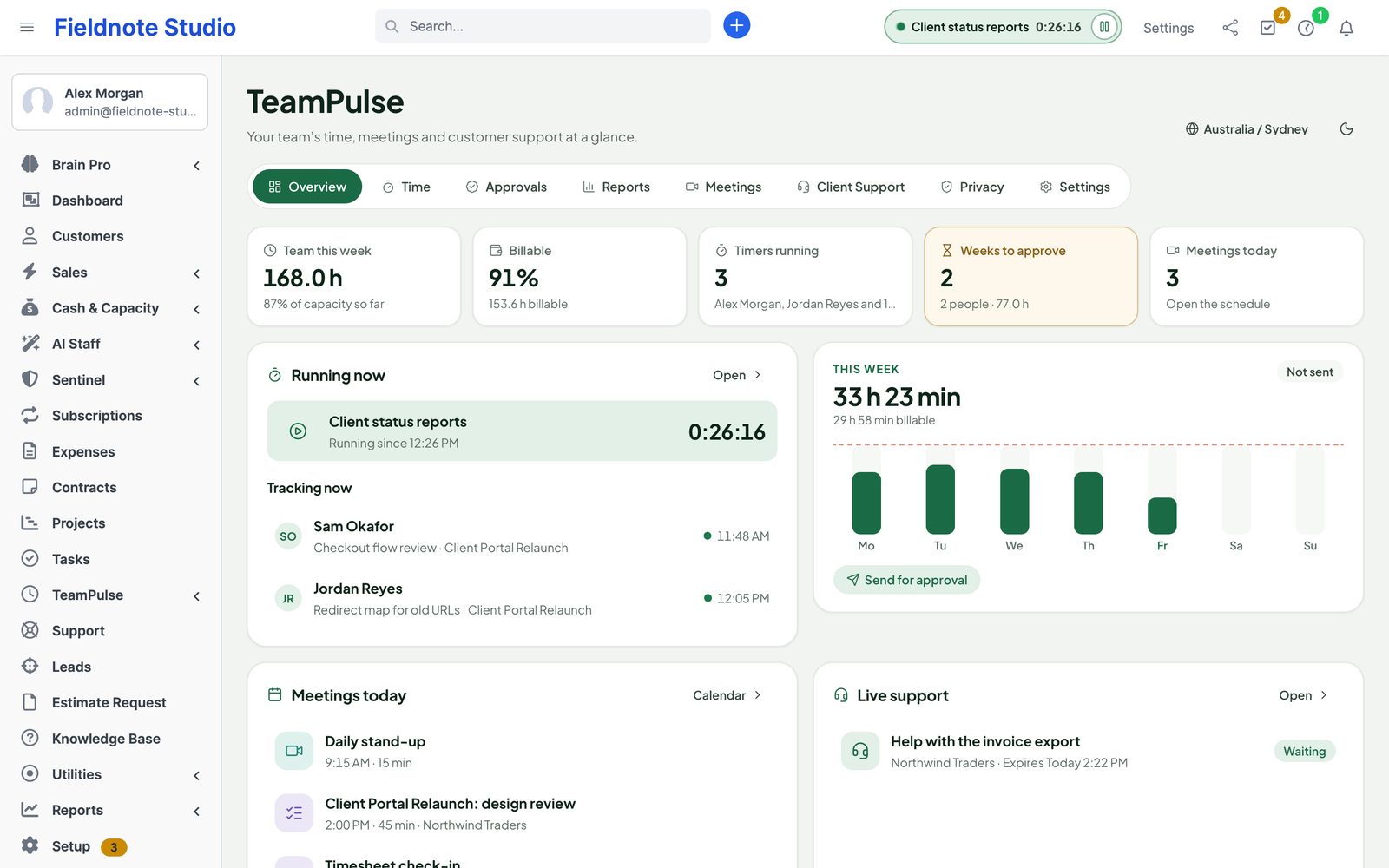
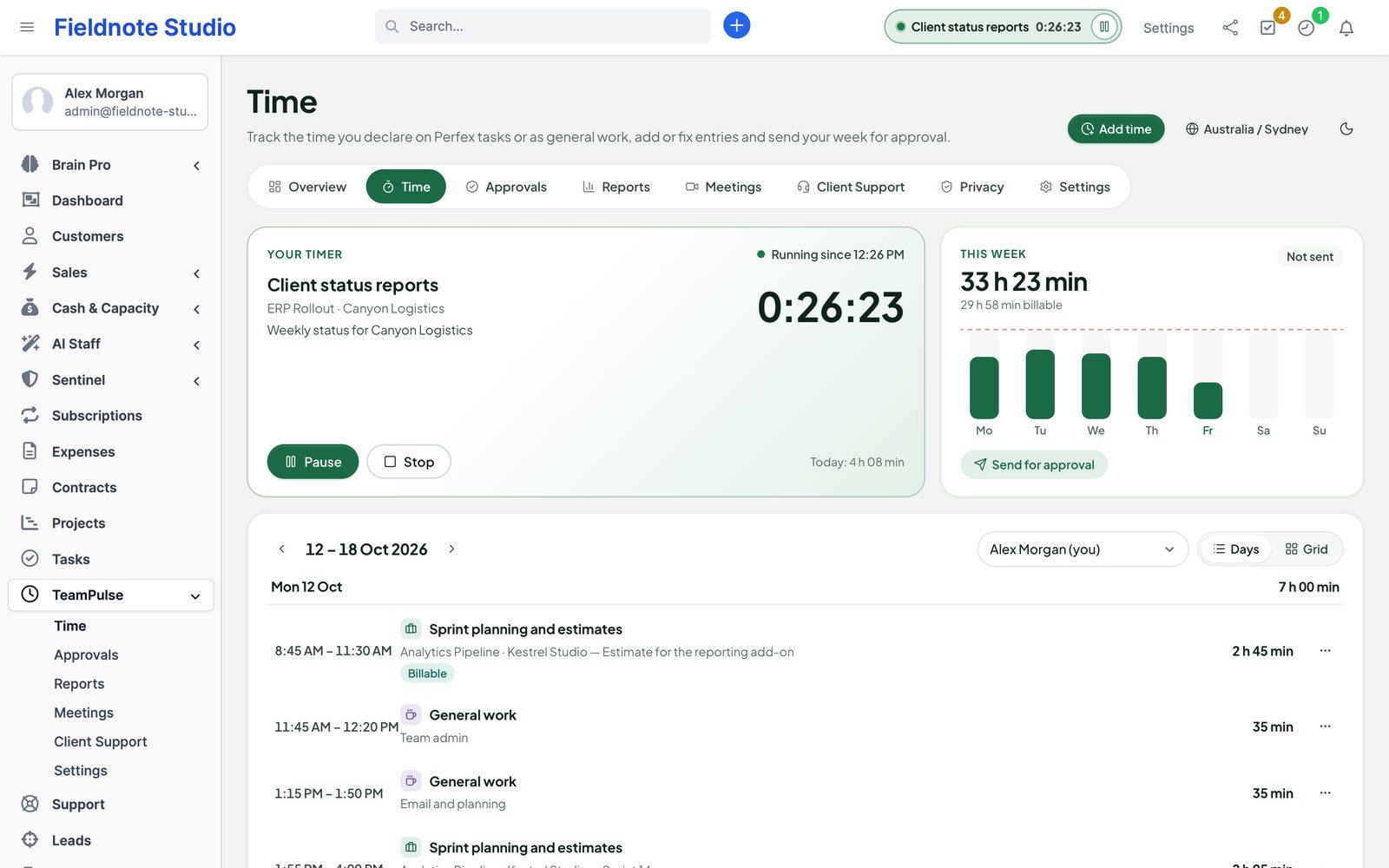
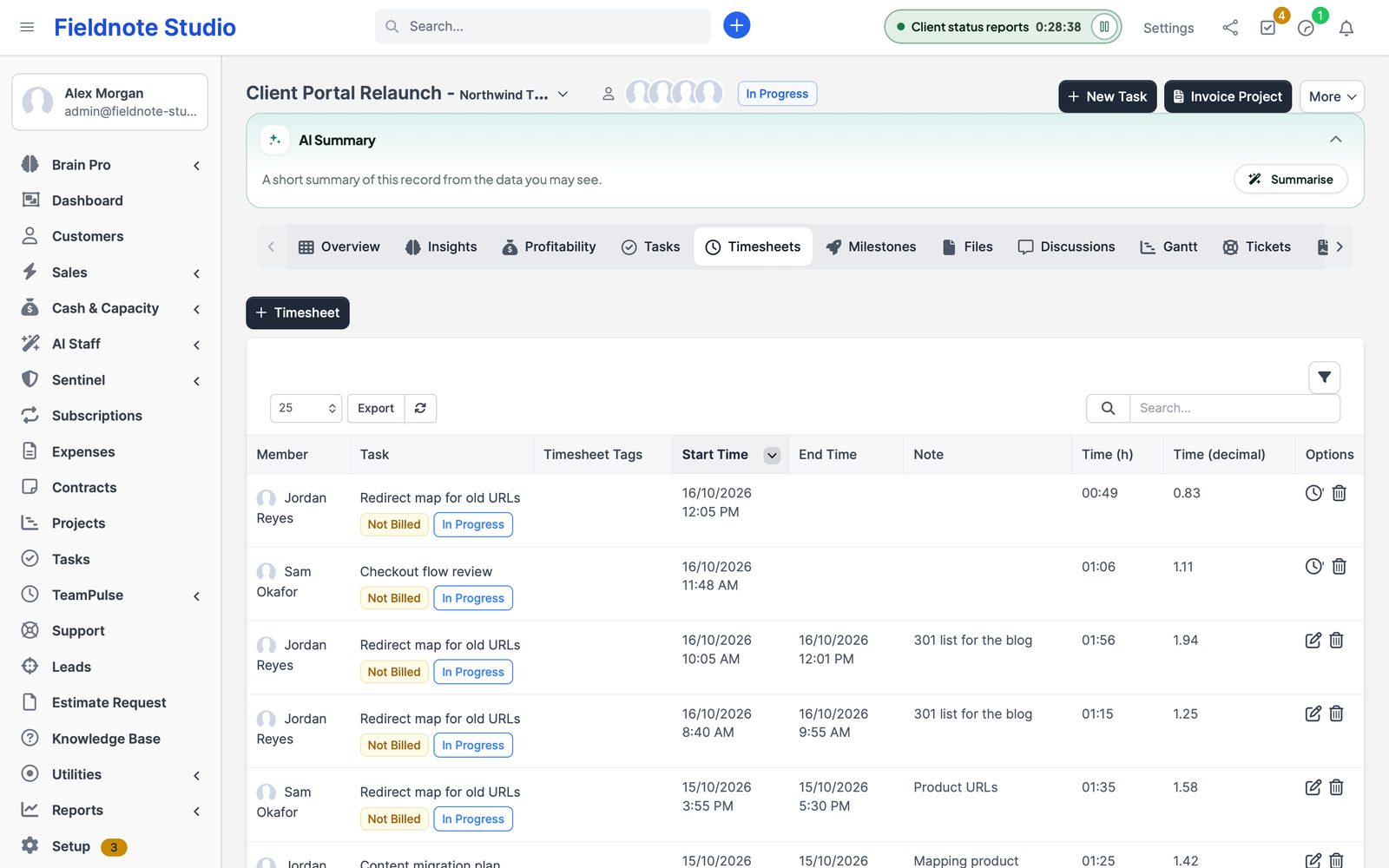
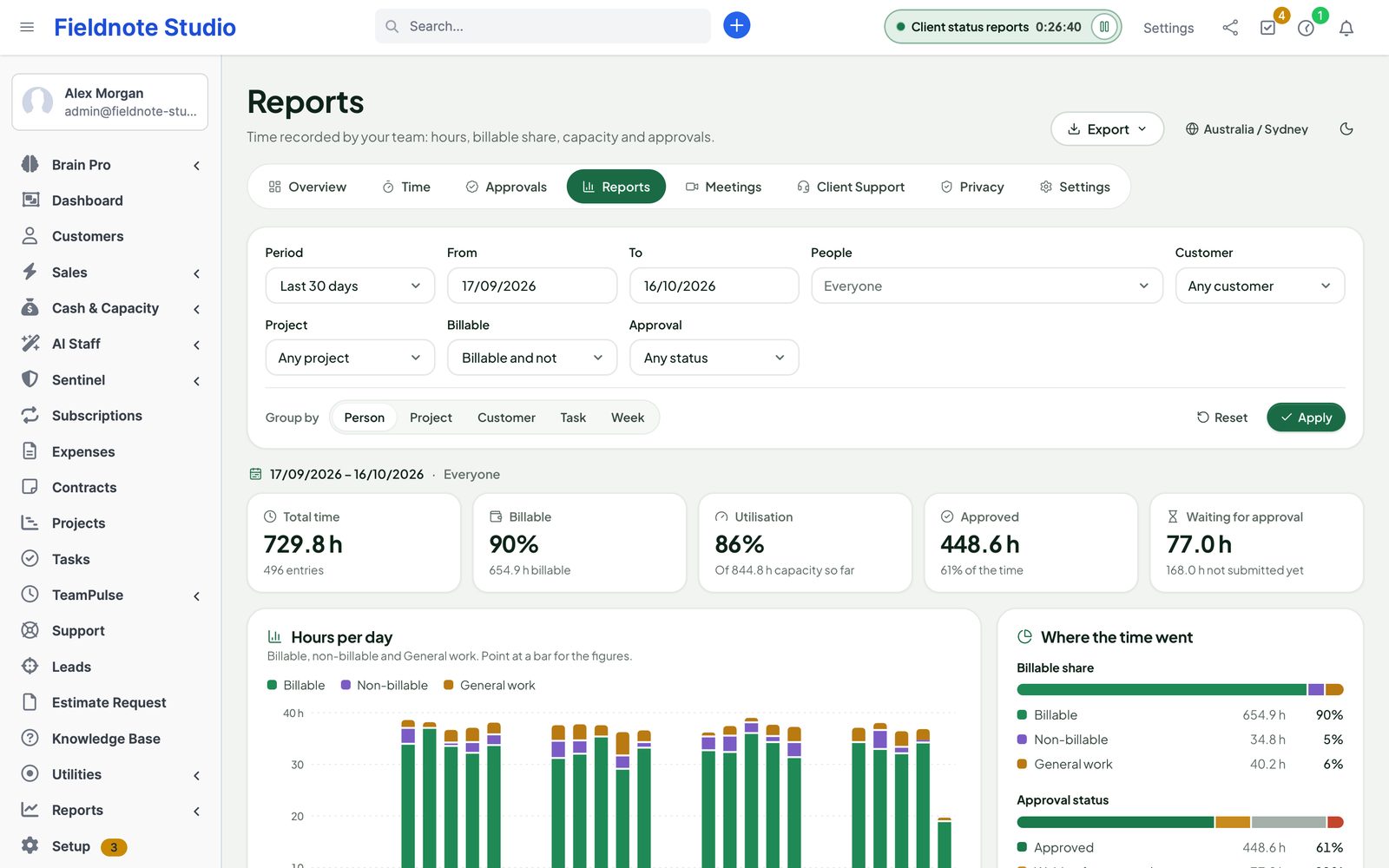
It builds on it. Time on a task is written into Perfex's task timers, so the task timesheet, project hours and Bill tasks on invoices work as before. Timers started with Perfex's own button are picked up by TeamPulse too, and your existing timer history appears in the reports.
Does TeamPulse watch what people do on their computers?
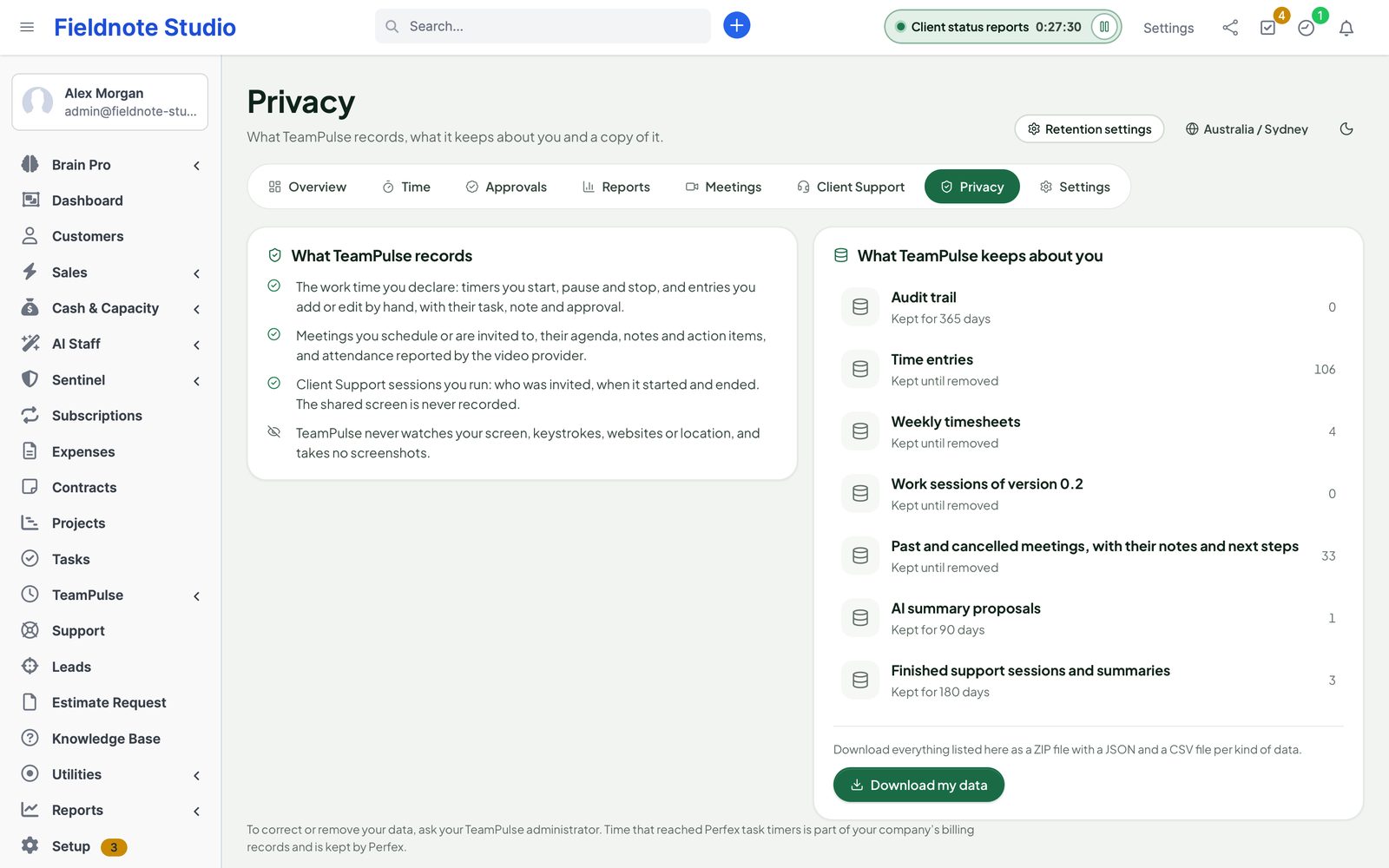
No. It records only the time people declare with the timer or by hand, and the meetings they hold. It takes no screenshots and does not record keystrokes, websites, window titles or location. Its Privacy page tells every staff member exactly this.
Can customers see anything?
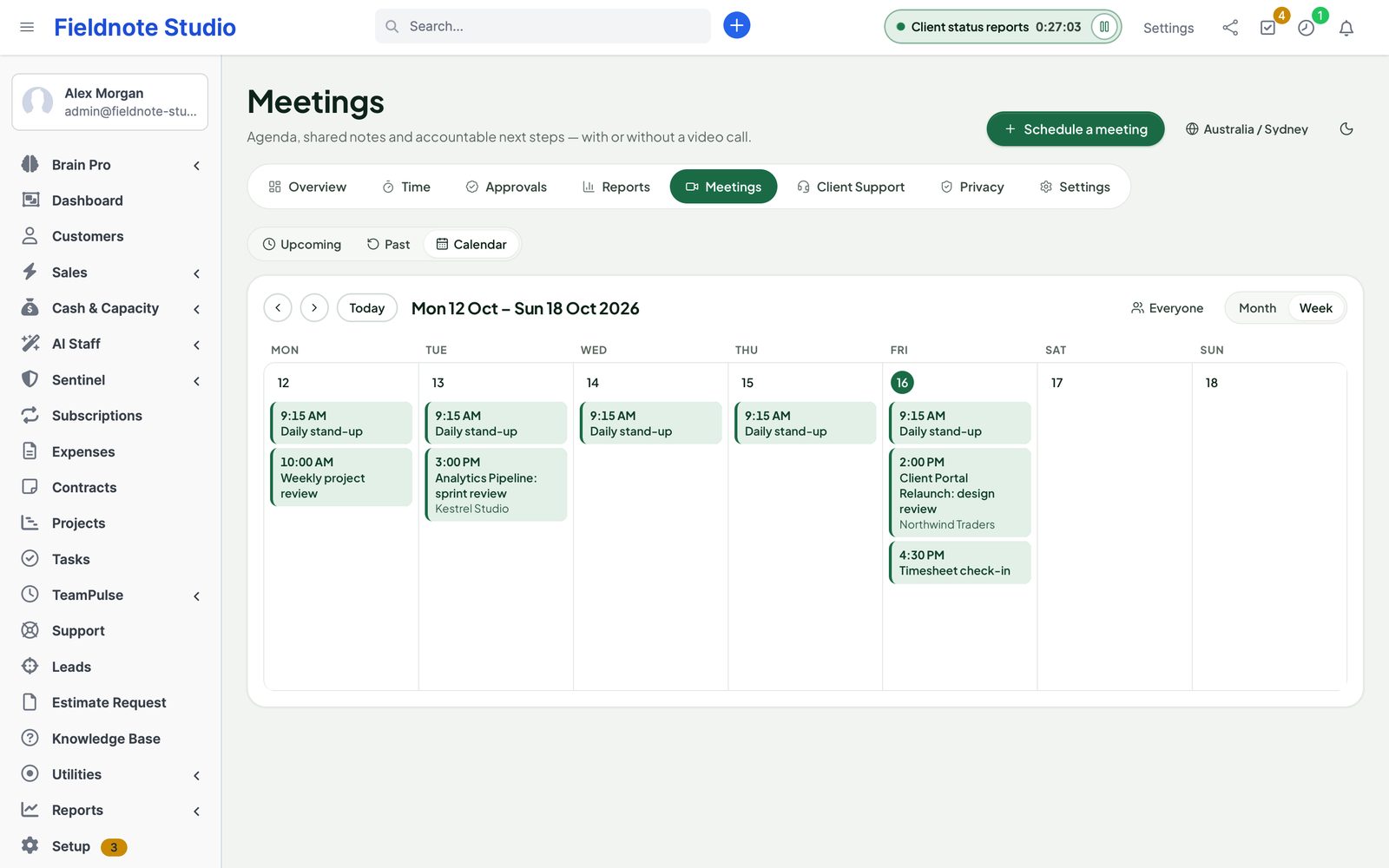
Only what concerns them: meeting invitations by e-mail with a calendar file, and Client Support sessions they are invited to — on a page with your company's name and colours. Customers never see time entries or reports.
Is Client Support remote control?
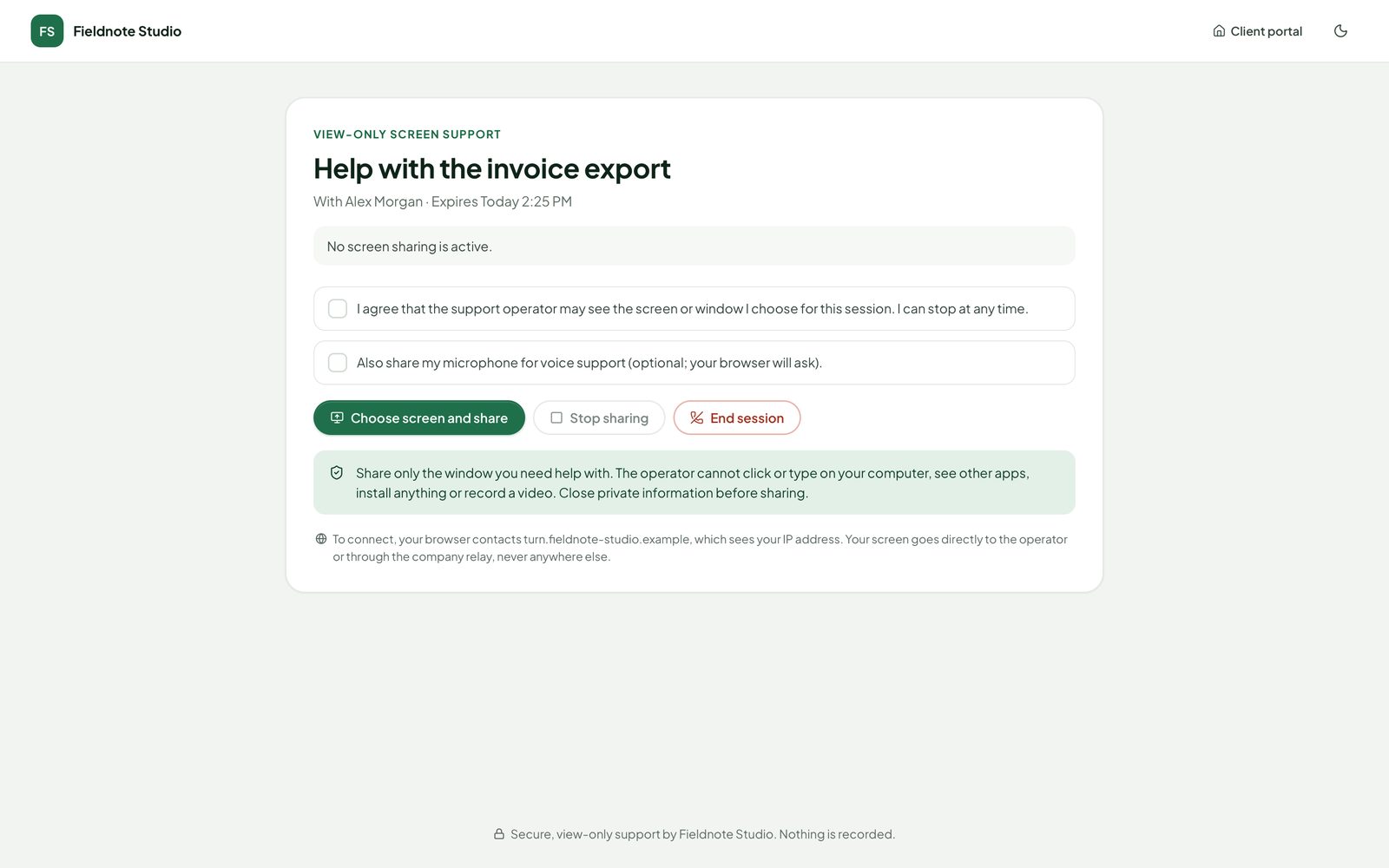
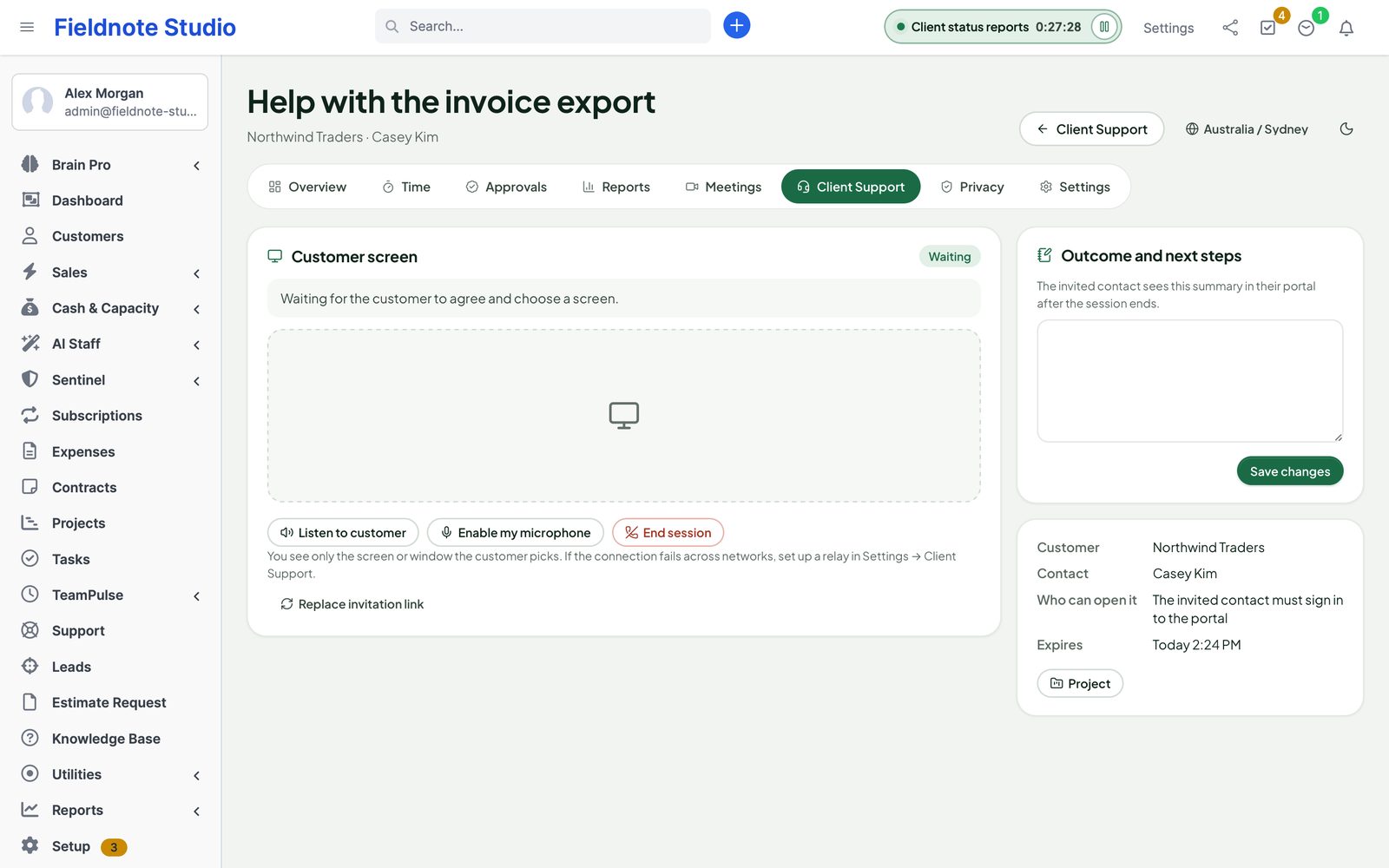
No. It is view-only screen sharing in the browser, after the customer agrees and picks what to share. You cannot click, type, install anything or record. Customers need a current desktop browser; the CRM must be served over HTTPS.
Do I need Zoom or Jitsi?
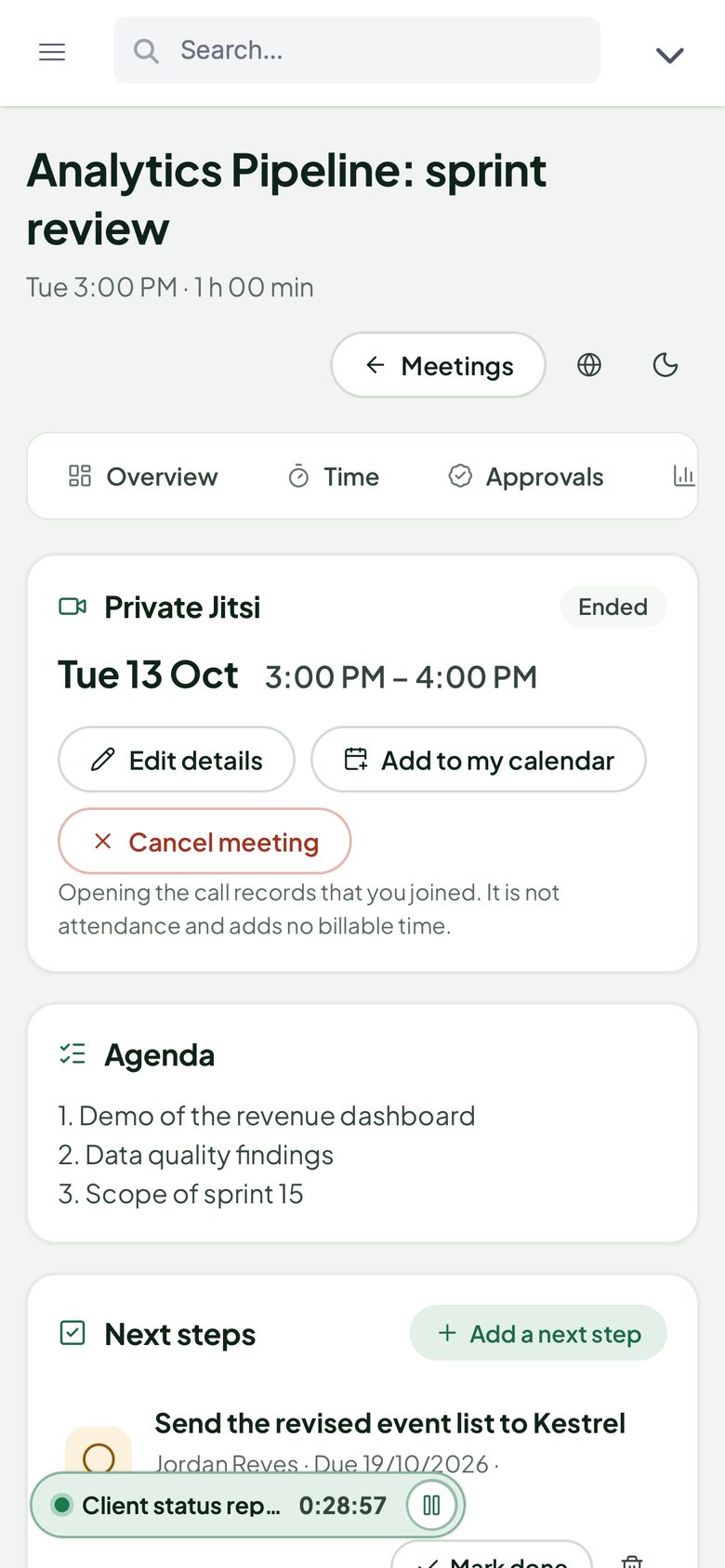
No. Meetings work as agenda-and-notes meetings for rooms and phone calls. Connect your Zoom account (a Server-to-Server OAuth app) or your own Jitsi server with token sign-in to add video calls.
I used the 0.2 development preview. Do I lose data?
No. Upload 1.0.0 over it; the database upgrade only adds tables and columns. Work sessions, meetings and support sessions are kept, and 0.2 work sessions are carried into the new time entries.
Who can see what?
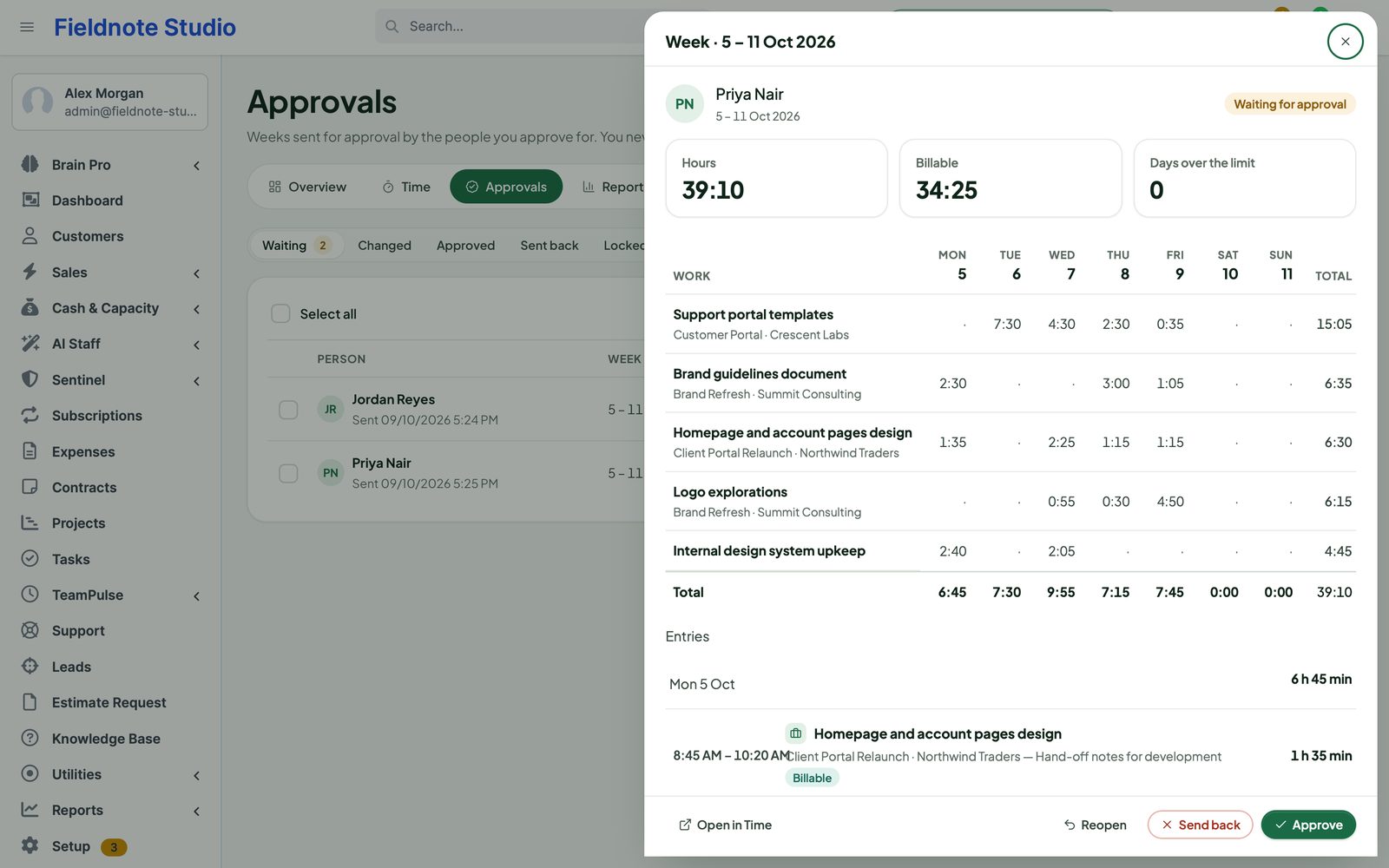
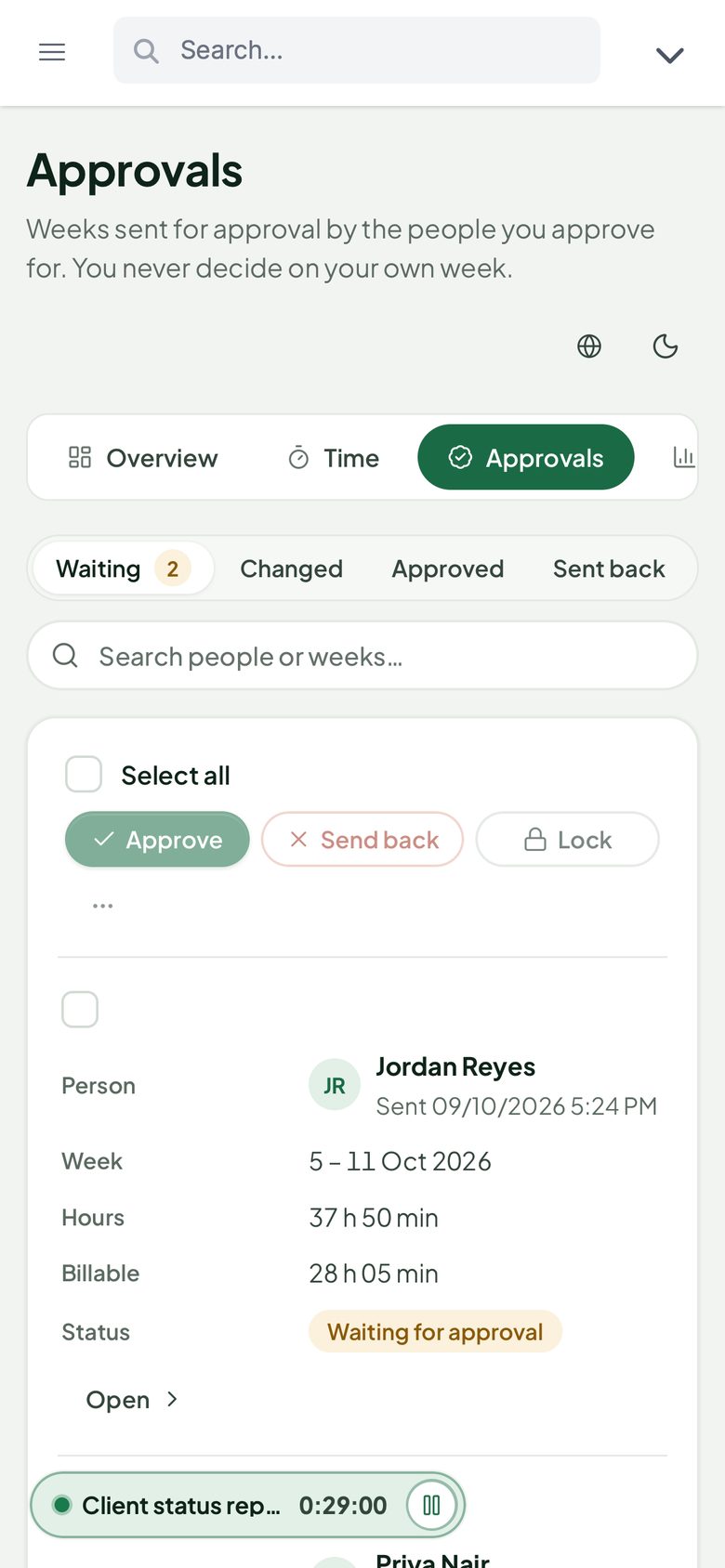
Staff with Track own time see their own time and the meetings they are invited to. See everyone's time opens the team's time and reports; Approve timesheets the approvals queue; Manage all meetings every meeting; the two Client Support rights run sessions; Configure TeamPulse the settings.
Does it change Perfex core files?
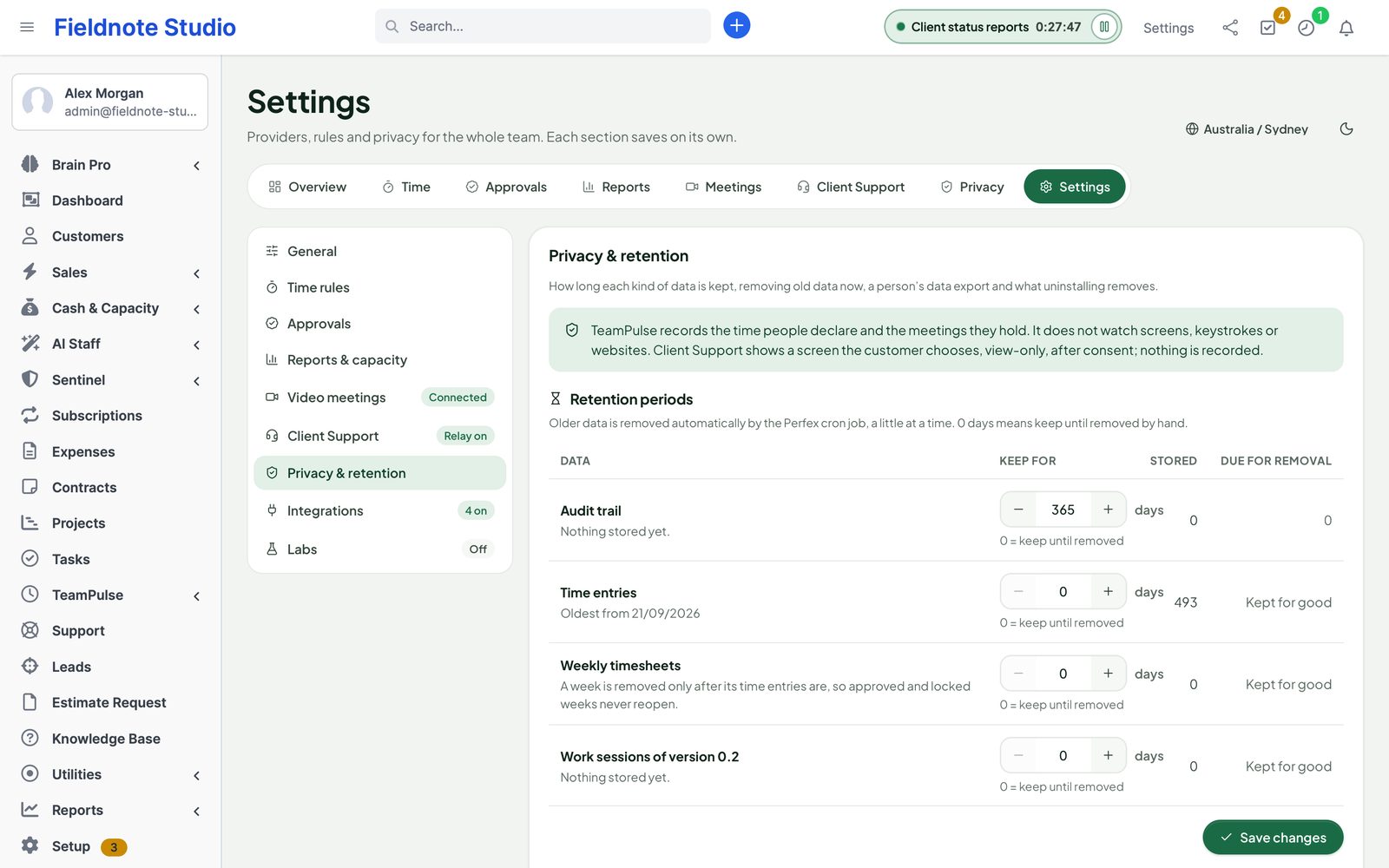
No. TeamPulse uses Perfex's module hooks and its own tables. Deactivate it and its menu, header timer and background work stop at once; your data stays until you uninstall.
What are the requirements?
Perfex CRM 3.4 or newer (tested on 3.4.1), PHP 8.0 or newer, MySQL or MariaDB and Perfex's cron job. Zoom needs outgoing HTTPS; Client Support needs the CRM on HTTPS and, across networks, a TURN relay such as coturn.
Is it translated?
Yes. The interface ships in English, Spanish, Portuguese (Brazil), French, German, Italian, Dutch, Turkish and Russian.
How do I get support?
Contact us through sellmycode.net. Six months of support are included with every licence. Please add the module, Perfex and PHP versions and a screenshot — never passwords or secrets.